CroStream for VTubers
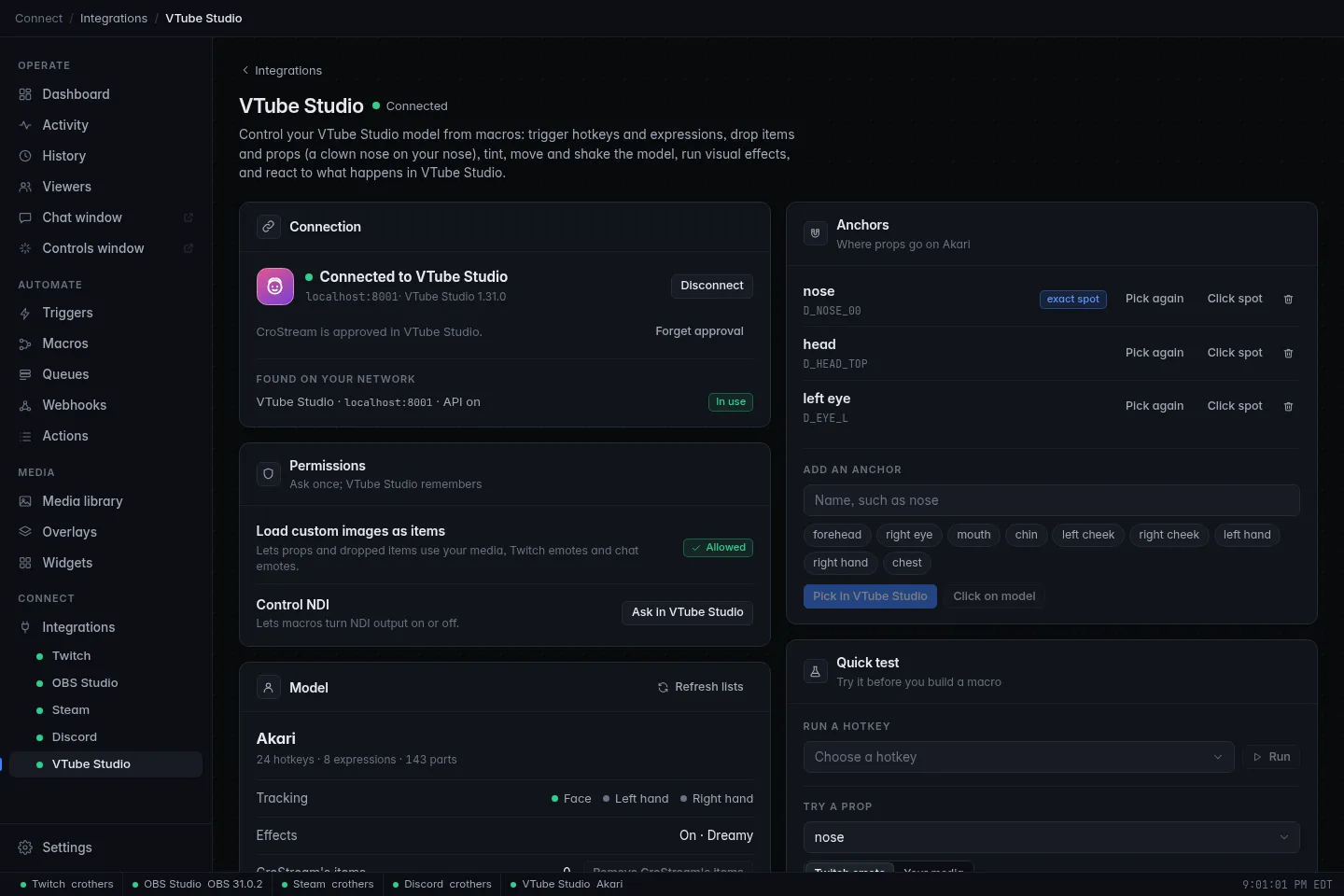
Your model is your face on stream, so it should react to your stream. CroStream connects to VTube Studio and lets chat, channel points, subs, bits, raids and hotkeys move your model: a clown nose when someone redeems Honk, the chatter's emote stuck on your forehead, a party hat for every new sub, a rainbow filter on a big cheer. It works the other way around too: when something happens in VTube Studio, such as your face leaving the camera or an expression turning on, CroStream can switch your OBS scene, post in chat or play a sound.
What you can do
- Run your model's hotkeys and expressions
- Everything you've set up as a hotkey in VTube Studio (animations, expressions, background changes) can be started from a chat command, a reward or a keyboard shortcut. Expressions can turn themselves back off after a while.
- Put props on your model
- Pin an image to a part of your model, a nose, your head, a hand, and it moves with you. The image can come from VTube Studio's own items, your media library, a Twitch emote, or the emote a viewer just typed in chat. See Props and anchors.
- Change how the model looks
- Tint the whole model or a single part, move, turn or resize it, give the physics a gust of wind, hold a tracking parameter (mouth open, eyes closed) for a few seconds, or swap to another model.
- Run VTube Studio's visual effects
- Turn on bloom, rain or glitch, load an effects preset, or throw the dice with a random mix, and put everything back after a while.
- Drop and control items
- Drop items into the scene, move, pin, animate and remove them.
- React to VTube Studio
- Triggers fire when a VTube Studio hotkey runs, your face or a hand is lost or found, a model loads, an expression turns on or off, you click your model, an animation reaches an event your rigger placed, something happens to an item, the background changes, or the effects change.
Every one of these is an ordinary CroStream action or event, so it mixes freely with everything else: one macro can put on a prop, play a sound, switch an OBS scene and thank the viewer in chat.
What you need
- CroStream installed and logged in to Twitch, if you want viewers to set things off.
- VTube Studio running with a model loaded, on this computer or another one on your network.
- VTube Studio's plugin API turned on. It's off until you turn it on; Setup shows where.
That's all. There's no account to make and nothing to install in VTube Studio: CroStream connects as a plugin, and VTube Studio asks you once to allow it.
VTube Studio's beta
A few features only exist in VTube Studio's public beta at the moment: the An expression turns on or off event, and changing VTube Studio's NDI output (with its Control NDI permission). CroStream tells you when the VTube Studio you run doesn't support an event. Everything else works with the regular version.
Where to go next
-
Setup
Turn on the API, connect, allow CroStream, and use VTube Studio on another PC.
-
Props and anchors
Mark your nose, head and hands once, then put any image on them.
-
Actions
Every VTube Studio action a macro can run, with all its settings.
-
Triggers
The VTube Studio events your triggers can react to.
-
Recipes
Step-by-step: a clown nose reward, emotes on your model, a sub hat, a BRB scene when your face is lost, and more.
-
Troubleshooting
It won't connect, the popup never came, a prop doesn't show.
How it fits together
If you're new to CroStream, two words do most of the work:
- a trigger says when: "when someone redeems Honk", "when VTube Studio loses my face";
- a macro says what: "put the clown nose on my nose for a minute", "switch OBS to the BRB scene".
You build both in CroStream's Triggers and Macros pages. The Triggers and Macros guides explain them in full; the recipes walk you through real ones.
Related
- VTube Studio integration: the integration page in the main docs
- Integrations: status meanings and companion apps
- Variables: the
{placeholders}you can use in any setting